
Features
Every visitor known before the gate opens.
Everything you need, in one system.
-
01
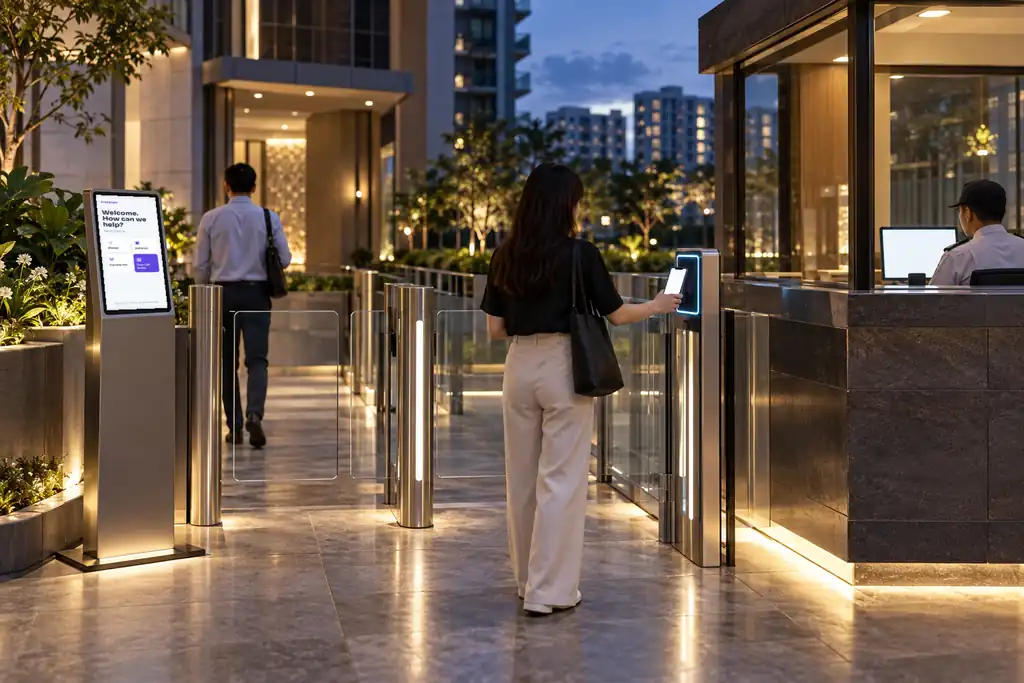
Expected guests walk straight in
Hosts send a QR pass from MyHaus; ScanSense checks it at the gate with no guard involved.
-
02
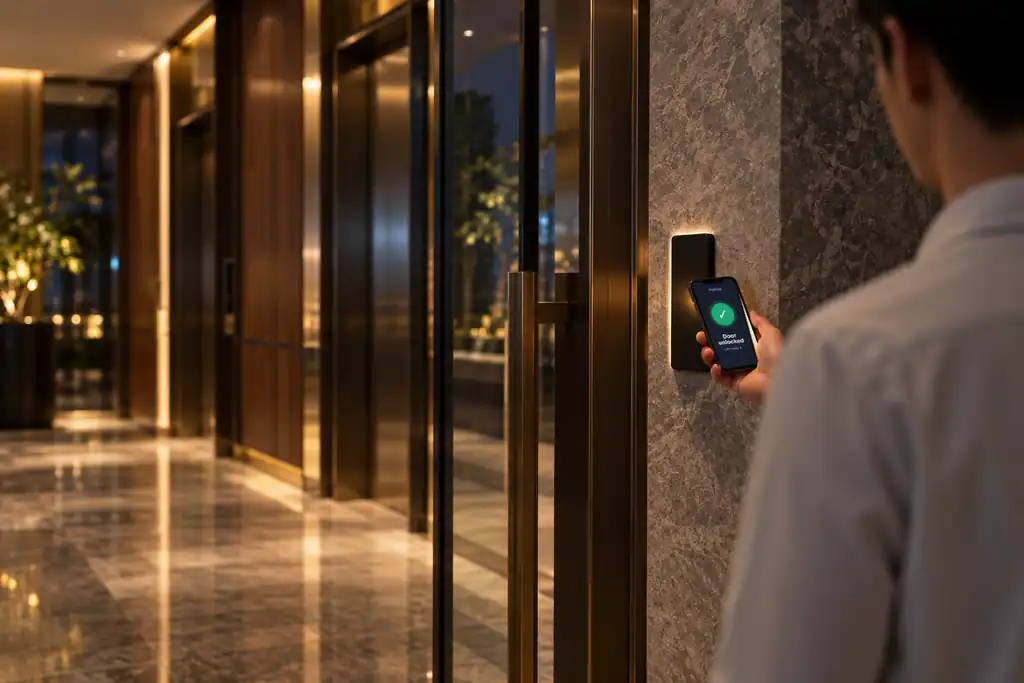
Walk-ins registered in seconds
Guards register walk-ins, contractors and deliveries on MyGatekeeper, and the host approves on their phone.
-
03
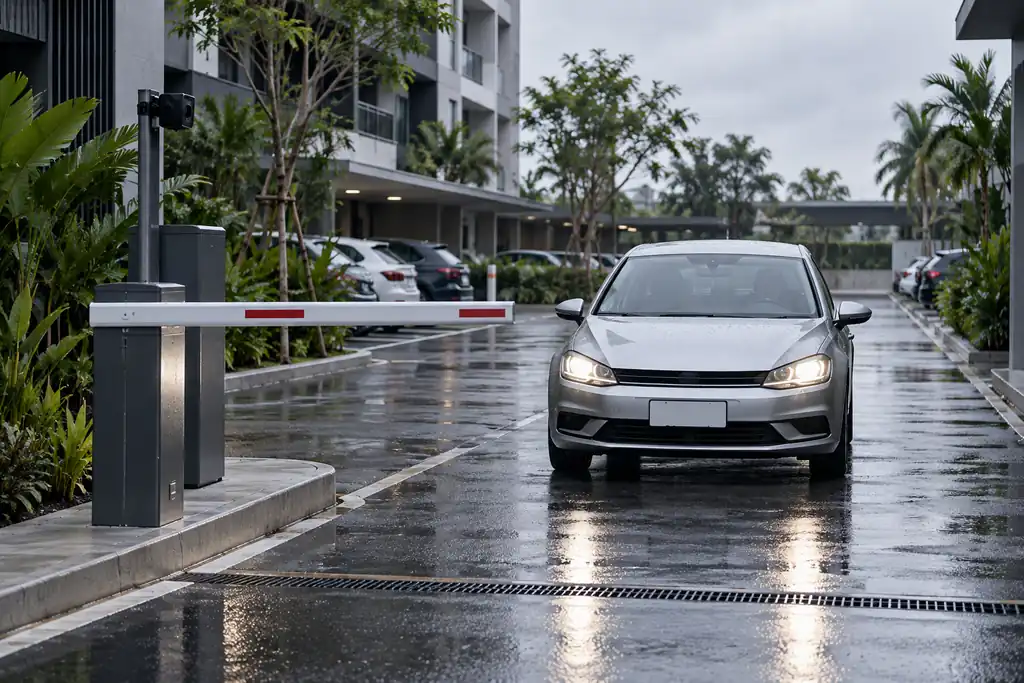
Self check-in at the lobby
KioskSense scans ID or an invitation, notifies the host and prints a pass.
-
04
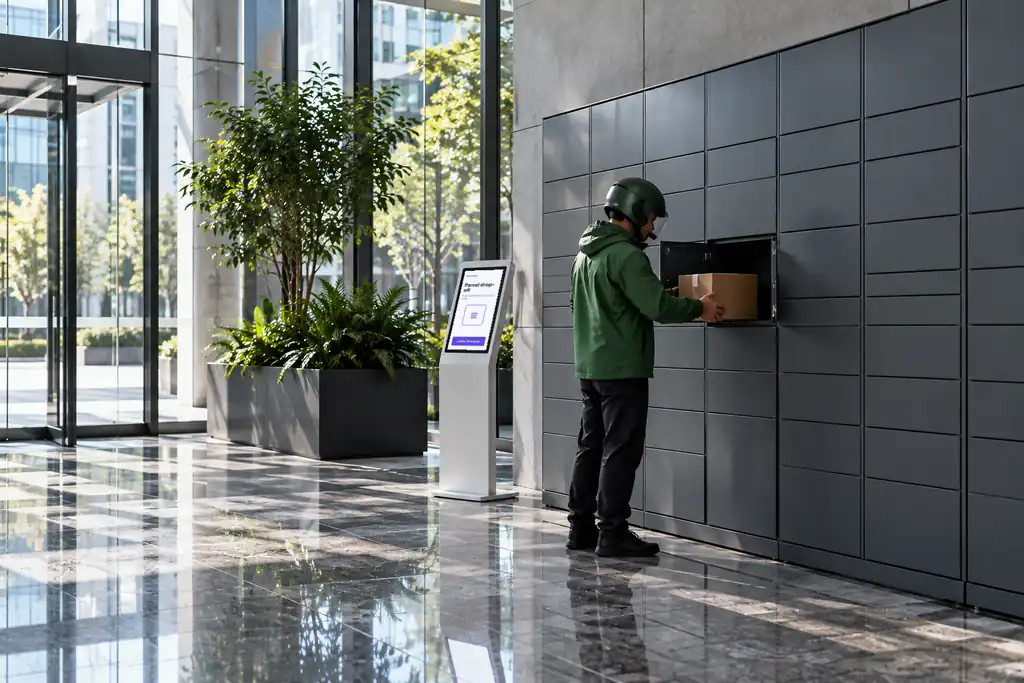
Contractor permits
Contractors get passes limited to their job dates and hours, with an on-site list for the guard.
-
05
Overstay alerts
Visitors still on site past their time are flagged to the guard.
-
06
PDPA-aligned records
NRIC numbers are masked and records kept only as long as the MCST decides.
Products Used
What Visitor Management is built with
Each product works on its own, and better together on the Sixsense platform.
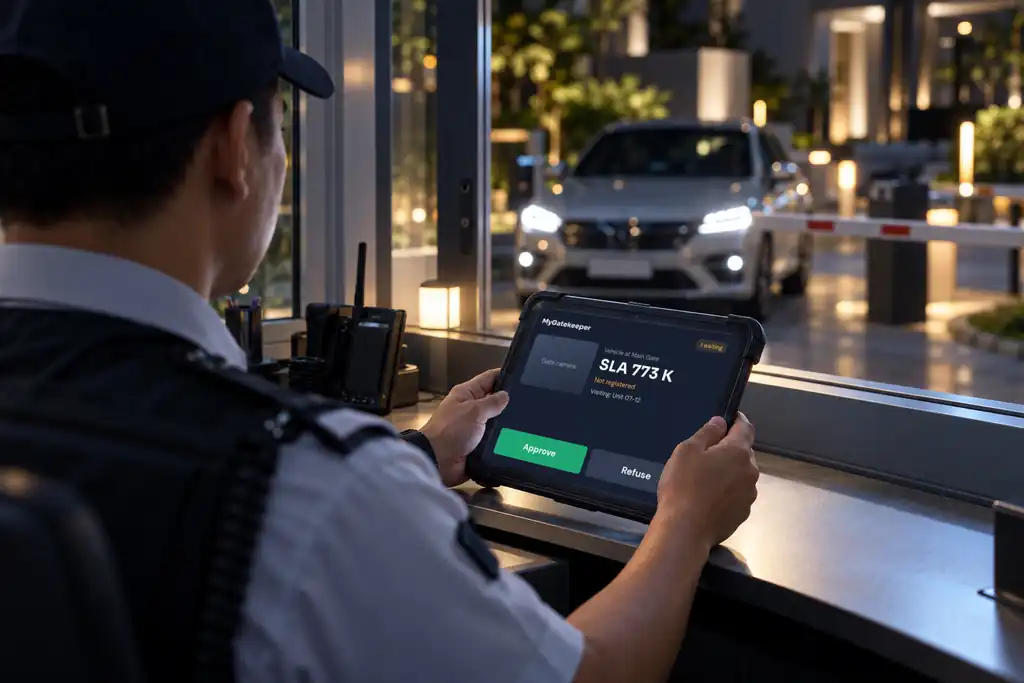
Guard Tablet App
MyGatekeeper
The guard tablet app for visitors and vehicles.
View product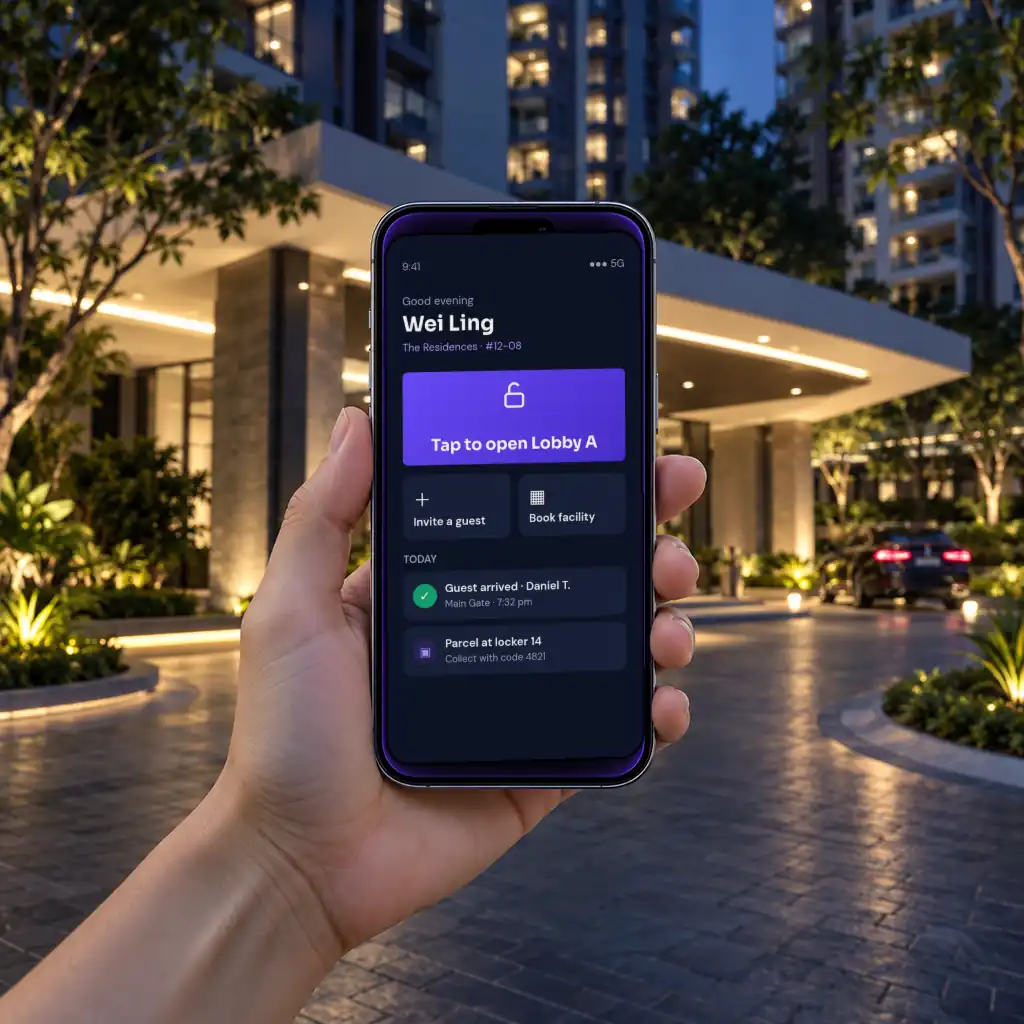
Resident App
MyHaus
The resident app: guests, doors, bookings and parcels.
View product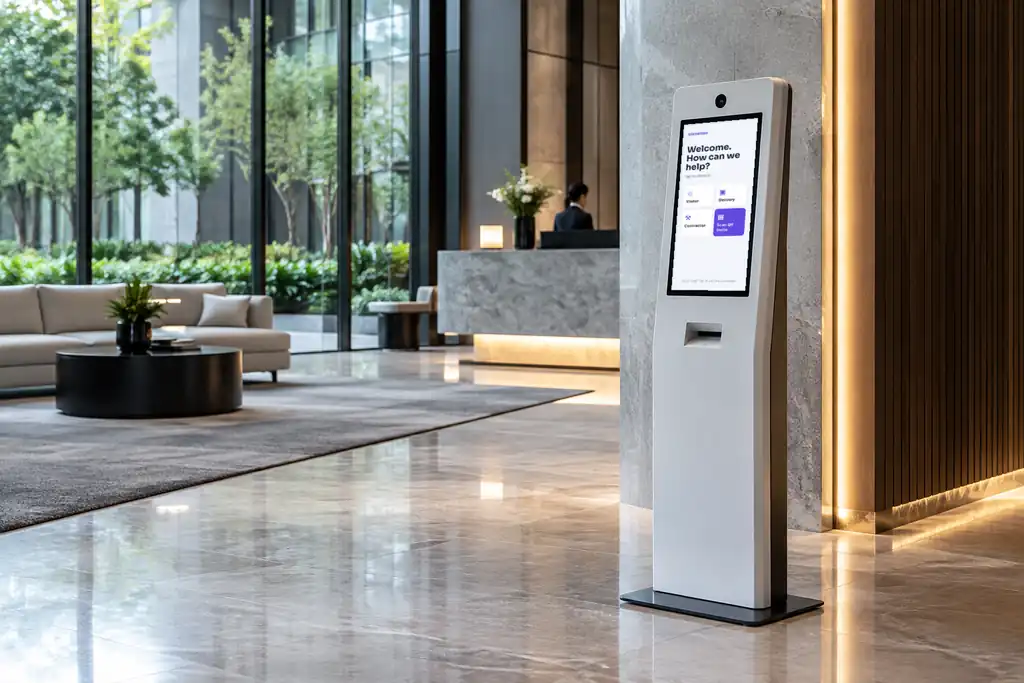
Visitor Kiosk
KioskSense
Self-service visitor registration with ID scan and badge printing.
View product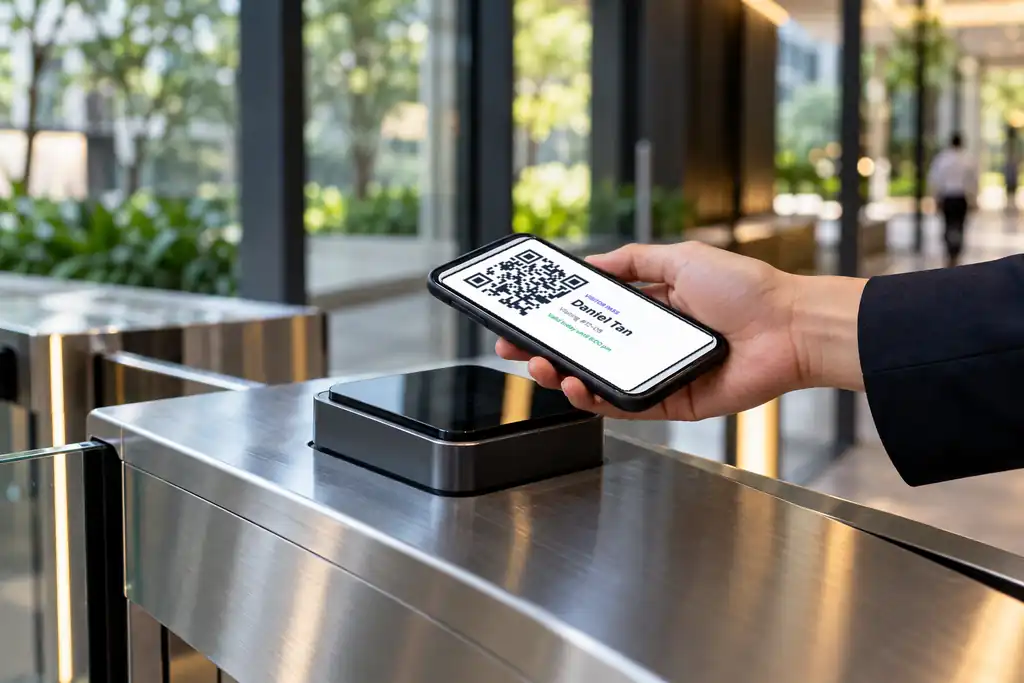
QR Code Reader
ScanSense
Validates signed visitor passes offline at gates and doors.
View product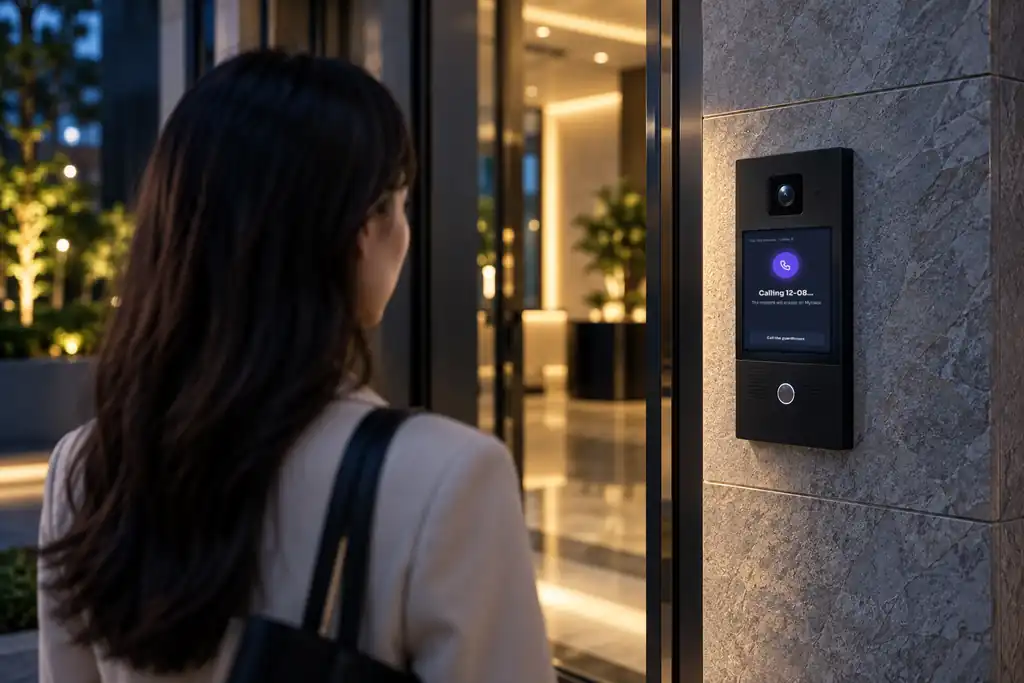
Video Intercom
CallSense
Visitors call, residents answer and open from MyHaus.
View productEverything is managed in SenseHub, the portal for MCSTs and managing agents.
Connected Ecosystem
Part of one Sixsense platform
Visitor Management shares residents, visitors and alerts with every other module.
FAQ
Common questions
Do visitors need to install an app?
No. Visitors receive a QR pass by message and show it at the gate. Only residents and guards use apps.
How is NRIC data handled?
NRIC numbers are masked on screen and in records, and retention follows the MCST’s PDPA policy.

Ready to see Visitor Management on your site?
Free site survey and a fixed-price proposal within a week.